
How to Download Reddit Videos in 1080p HD Quality (2026)
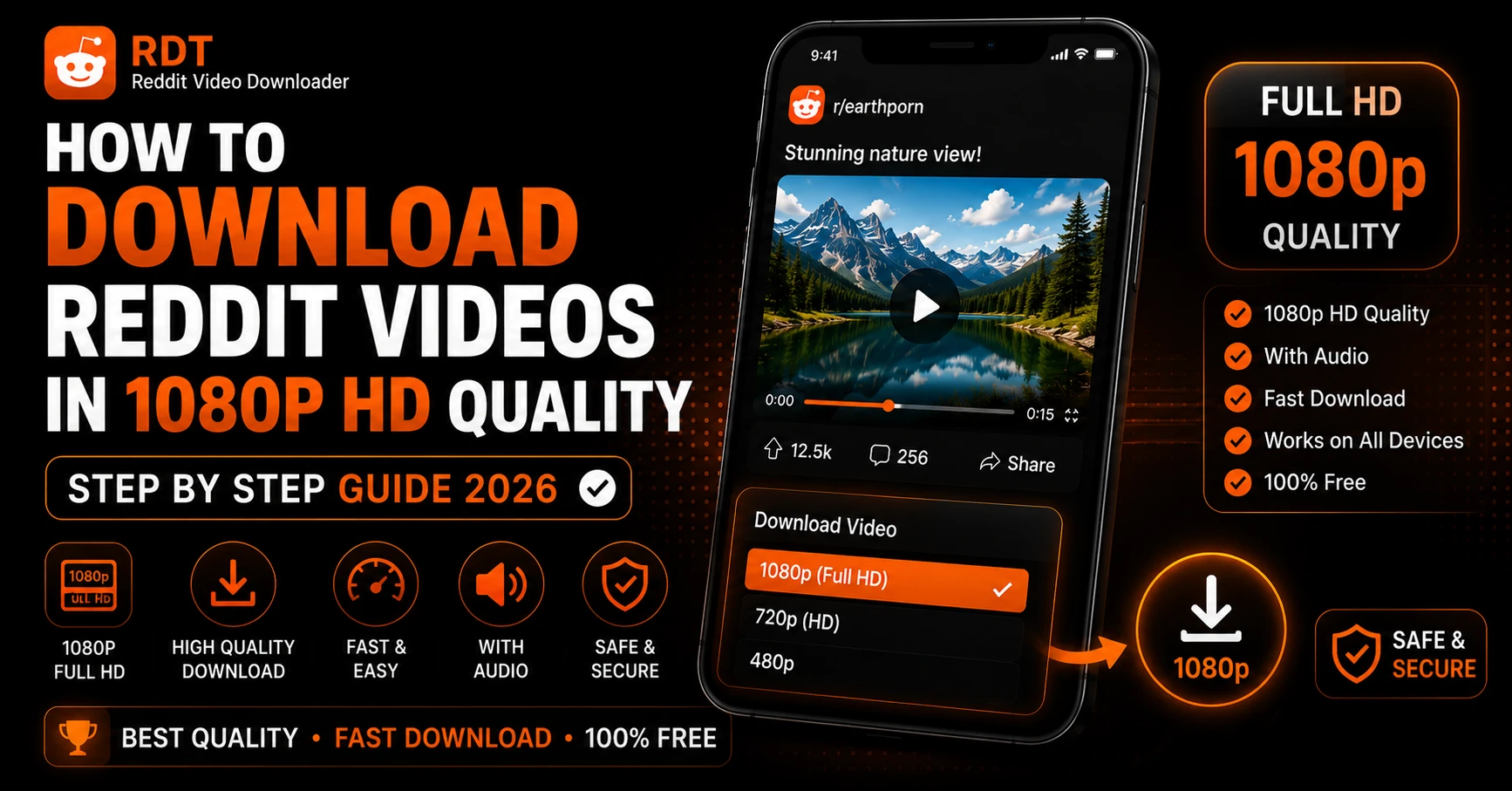
Let us be completely honest with you. Most people who download Reddit videos end up with a low-quality, silent MP4 that looks like it was filmed through a foggy window. Either the tool they used only grabbed a compressed version, or they got the video without audio, or both.
If you found a stunning slow-motion clip on r/nextfuckinglevel, a breathtaking landscape video on r/EarthPorn, or a detailed tutorial on r/DIY — you want it in the best possible quality. Not a blurry 360p version that makes you squint at your screen. The full, crisp, 1080p version that looked sharp when you watched it on Reddit.
In this guide we cover exactly how to download Reddit videos in 1080p HD in 2026 — with audio included, no watermark, no quality loss — on Android, iPhone, and PC. We also explain what affects Reddit video quality, why some videos max out below 1080p, and how to confirm you are always getting the best version available.
Does Reddit Actually Host 1080p Videos?
Before anything else — yes, Reddit absolutely supports 1080p video uploads in 2026. Reddit's native video hosting platform, v.redd.it, supports video uploads up to 1080p Full HD resolution. Some subreddits with special permissions even support higher resolutions.
However, not every Reddit video you encounter will be available in 1080p. Here is why:
The original uploader controls the quality ceiling. If someone recorded a video on an older phone and uploaded it in 480p, that is the maximum quality available — no tool can upscale it to 1080p without inventing detail that was never there.
Reddit compresses videos on upload. Even if someone uploads a 4K video, Reddit's encoding pipeline compresses it. The output quality depends on the original bitrate, resolution, and length of the video.
v.redd.it uses adaptive streaming. Reddit stores multiple quality versions of every video — typically 1080p, 720p, 480p, 360p, and sometimes lower. The quality you get when downloading depends entirely on which version your download tool fetches.
This last point is critical. A poor download tool grabs whatever stream loads first — often a lower-quality version. A proper tool lets you choose the specific resolution you want and fetches that version precisely.
Why Most Reddit Video Downloads End Up Low Quality
Here is something most people do not realize until they look closely at their downloaded files.
Reddit uses DASH (Dynamic Adaptive Streaming over HTTP) to deliver videos. Under this system, v.redd.it stores the video at multiple quality levels as separate files — DASH_1080.mp4, DASH_720.mp4, DASH_480.mp4, and so on. It also stores the audio as a completely separate file — DASH_audio.mp4.
When you watch a Reddit video normally, Reddit's player picks the quality level that matches your connection speed. On a fast connection, you get 1080p. On a slow connection, you might get 480p or lower.
When you try to download a Reddit video using a basic method — right-clicking, using a generic download button, or using a poorly built tool — one of two bad things usually happens:
Problem 1 — You get a low-quality version. The tool grabs whatever quality level Reddit's server defaulted to at that moment, which might be 360p or 480p rather than 1080p.
Problem 2 — You get no audio. Because the audio is stored as a separate DASH stream, basic download methods only capture the video file and miss the audio entirely.
The solution to both problems is the same — use a downloader that specifically reads Reddit's DASH playlist, lets you select the 1080p stream explicitly, and merges the audio stream with the video before delivering your file.
This is exactly why the right tool makes such a dramatic difference in what you end up with. For a deeper explanation of why Reddit separates audio and video in the first place, our article on why Reddit videos have no sound covers the full technical story.
How to Download Reddit Videos in 1080p — Step by Step
Here is the complete process that gets you the highest quality version of any Reddit video, with audio, every time.
Step 1 — Find the Reddit Video and Check Its Quality
Before downloading, confirm the video is actually available in 1080p. Open the Reddit post and play the video. On the Reddit app, tap the settings or quality icon on the video player — it looks like a gear or the letters HD. You will see a list of available quality options.
If 1080p is listed, great — that is what you will download. If the highest option is 720p or 480p, that is the ceiling for this particular video. No download tool can give you 1080p if Reddit does not have a 1080p version stored.
On Reddit's desktop website, click the gear icon on the video player to see quality options.
Step 2 — Copy the Reddit Post URL
Navigate to the Reddit post containing the video. You need the full post URL — not the video file URL, not a shortened link.
On the Reddit app: Tap the Share button below the post and tap Copy Link.
On Reddit in a browser: Copy the URL directly from your address bar. It looks like: https://www.reddit.com/r/subreddit/comments/xxxxxx/post-title/
Step 3 — Open RDT Video Downloader
Go to rdtvideodownloader.com in your browser. This tool is purpose-built for Reddit video downloads and specifically handles v.redd.it's DASH streaming architecture — meaning it fetches both the video stream at your chosen quality and the separate audio stream, then merges them before the file reaches your device.
This is the step that separates a proper 1080p download with audio from a silent, low-quality one.
Step 4 — Paste the URL and Process
Paste the Reddit post URL into the input box and tap or click Get Video.
RDT reads the DASH playlist file from v.redd.it, identifies every available quality level for that specific video, and presents them all to you. This takes under three seconds for most videos.
Step 5 — Select 1080p and Download
This is the crucial step most people miss with other tools — you need to actively select the highest quality option.
On the RDT results page, you will see download buttons for each available resolution. Look for the 1080p option at the top of the list. Tap or click the Download button next to it.
RDT then:
- Fetches the
DASH_1080.mp4video stream from v.redd.it - Fetches the
DASH_audio.mp4audio stream separately - Muxes them together into a single complete MP4 file
- Delivers the merged file to your device
What you receive is a proper 1080p Full HD MP4 with full audio — exactly matching the quality you saw when you watched the video on Reddit.
How to Download Reddit Videos in 1080p on Android
Android handles this download process cleanly. Here are the specific steps for Android phones:
- Open Reddit and find the video post
- Tap Share → Copy Link
- Open Chrome and go to rdtvideodownloader.com
- Paste the URL and tap Get Video
- When the resolution options appear, tap the Download button next to 1080p
- Chrome downloads the file automatically — you will see a notification in your status bar
- Find the file in your Downloads folder via the Files or My Files app
Important for Android users: Do not tap the lower resolution options by mistake. The 1080p option is typically at the top of the list. Take an extra second to confirm you are tapping the right one.
For the complete Android download guide including where files save on different phone brands, see our detailed walkthrough on how to download Reddit videos on Android.
How to Download Reddit Videos in 1080p on iPhone
iPhone needs a slightly different approach because of how iOS handles file downloads from browsers. Follow these exact steps:
- Open the Reddit app and find the video
- Tap Share → Copy Link
- Open Safari — this is important, use Safari not Chrome for iOS downloads
- Go to rdtvideodownloader.com
- Paste the URL and tap Get Video
- When resolution options appear, tap and hold the 1080p Download button
- Tap Download Linked File from the popup menu
- Safari saves the file to Files app → On My iPhone → Downloads
To move the video to your Camera Roll after downloading:
- Open Files app → Downloads → find the MP4
- Long-press → Share → Save Video
The video will appear in your Photos app in full 1080p quality.
For iPhone-specific tips including the iOS shortcut method for even faster downloads, check our guide on how to save Reddit videos on iPhone.
How to Download Reddit Videos in 1080p on PC and Mac
Desktop is the most straightforward experience:
- Open the Reddit post in your browser and copy the URL from the address bar
- Open a new tab and go to rdtvideodownloader.com
- Paste the URL and click Get Video
- Click the Download button next to the 1080p option
- The file saves to your Downloads folder as a complete MP4
On Windows, right-click the downloaded file and select Open with → Windows Media Player or VLC to play. On Mac, double-click to open in QuickTime Player.
For more detail on the PC download process, our guide on how to download Reddit videos on PC covers every browser and scenario.
How to Verify Your Download Is Actually 1080p
After downloading, here is how to confirm you got the full 1080p quality and not a compressed version:
On Windows: Right-click the MP4 file → Properties → Details tab. Look for the video Width and Height values. A 1080p video will show Height: 1080 and Width: 1920 (for standard 16:9 content).
On Mac: Right-click the file → Get Info. Under the More Info section you will see dimensions listed as 1920 × 1080 for a true 1080p video.
On Android: Open the video in a file manager, tap the info or details option, and check the resolution listed.
Using VLC (any platform): Open the file in VLC → go to Tools → Media Information → Video tab. The resolution is shown clearly.
If your file shows a lower resolution than 1080p despite selecting the 1080p option, it means that specific Reddit video was not actually available in 1080p — the highest available version was lower, and that is what downloaded.
What Affects Reddit Video Quality — The Full Picture
Understanding what controls video quality on Reddit helps you know when to expect 1080p and when it simply will not be available.
Upload resolution: The uploader's original file sets the quality ceiling. A phone that records in 1080p produces a 1080p Reddit video. A phone that only records in 720p cannot produce a 1080p Reddit video.
Reddit's encoding pipeline: When a video is uploaded to Reddit, it goes through a compression and encoding process. Reddit re-encodes videos using H.264 codec. The bitrate Reddit assigns affects how sharp the video looks even at 1080p — a highly compressed 1080p video can look worse than an uncompressed 720p one.
Video length: Longer videos get compressed more aggressively by Reddit to manage storage and bandwidth costs. A 30-second clip will typically look sharper than a 10-minute video uploaded at the same original resolution.
Subreddit type: Some subreddits have different upload restrictions. Most standard subreddits support up to 1080p. Premium or special subreddits may support higher resolutions in some cases.
Original content vs. reposts: Original content uploaded directly from a high-quality camera will always look better than a video that has been compressed, downloaded, re-uploaded multiple times before reaching Reddit. Each generation of compression loses quality.
1080p vs Lower Resolutions — When Does It Actually Matter?
Not every Reddit video needs to be downloaded in 1080p. Here is a practical breakdown of when quality actually matters and when it does not.
Download in 1080p when:
- You are saving landscape or nature photography videos where detail matters
- The video will be displayed on a large screen — TV, monitor, tablet
- You want to keep an archive copy of something you care about
- The video contains text, diagrams, or fine visual detail you need to read clearly
- You plan to re-share or repost the content and want to preserve quality
720p is perfectly fine when:
- You are saving a short funny clip to share on WhatsApp
- The video will only ever be watched on a phone screen
- The content is low-action (talking heads, slow pans) where compression artifacts are not visible
- Storage space on your device is limited
360p or lower should be avoided for saving unless the original video is only available at that resolution. There is rarely a reason to actively choose a very low quality version for archiving.
Common Problems When Downloading Reddit Videos in 1080p
1080p option is not showing in RDT results
The video was not uploaded in 1080p. The highest available option is the best you can get for that specific video. Check what quality options Reddit's own player offers — if 1080p is not there either, it does not exist for this video.
Downloaded file is 1080p resolution but looks blurry
Reddit's encoding uses compression that can make 1080p videos look soft or blurry, especially for fast-moving content. This is a Reddit encoding limitation, not a download problem. The file is genuinely 1080p — it just reflects how Reddit encoded the original.
1080p file downloaded but has no audio
You may have used a tool that only fetched the video stream. Re-download using rdtvideodownloader.com which automatically merges the audio stream. For a full explanation of why this happens, read our guide on how to download Reddit videos with audio.
Download is very slow for 1080p files
1080p Reddit videos can be larger files — sometimes 100MB or more for longer clips. On a slow connection this takes time. Connect to Wi-Fi rather than mobile data for large downloads.
1080p video plays fine but is choppy on my phone
Some older phones struggle to smoothly play 1080p H.264 video in certain players. Try opening the file in VLC for Android or VLC for iOS — VLC uses hardware acceleration and handles high-resolution video far better than most default players.
For more troubleshooting help, our article on Reddit video won't play — quick fixes covers playback issues in detail.
Comparison — Quality Across Different Download Methods
| Download Method | Max Quality | Audio Included | Reliable |
|---|---|---|---|
| Right-click Save in browser | Random — often low | ❌ No | ❌ No |
| Reddit app Share function | No download | — | — |
| Generic online downloader | Usually 480p or less | ❌ Often no | ❌ No |
| RDT Video Downloader | Up to 1080p — your choice | ✅ Yes | ✅ Yes |
| Screen recording | Screen resolution only | ✅ Yes | ⚠️ Inconsistent |
The gap between RDT and other methods is not small. It is the difference between getting a random low-quality silent file and getting a deliberate 1080p HD file with full audio.
Frequently Asked Questions
Final Thoughts
Downloading Reddit videos in 1080p HD quality in 2026 is straightforward once you have the right tool. The key insights from this guide:
Reddit stores video and audio as separate DASH streams — basic download methods only grab one. Always use a tool that fetches both and merges them.
Always select the 1080p option explicitly on the results page — do not let the tool default to a lower quality version.
The 1080p ceiling is set by the original upload. If Reddit does not have a 1080p version, no tool can create one.
The complete process is simple — copy the Reddit post URL, paste it into rdtvideodownloader.com, select 1080p, download. You get a complete HD MP4 with audio in under 30 seconds, on any device, for free.
If you want to understand more about how Reddit's video quality system works under the hood, our detailed breakdown of why Reddit stores video and audio separately explains the full technical picture behind everything covered in this guide.
Try Our Reddit Downloader
Download any Reddit video with sound in high definition. Fast, free, and no registration required.
Download NowRecommended Guides
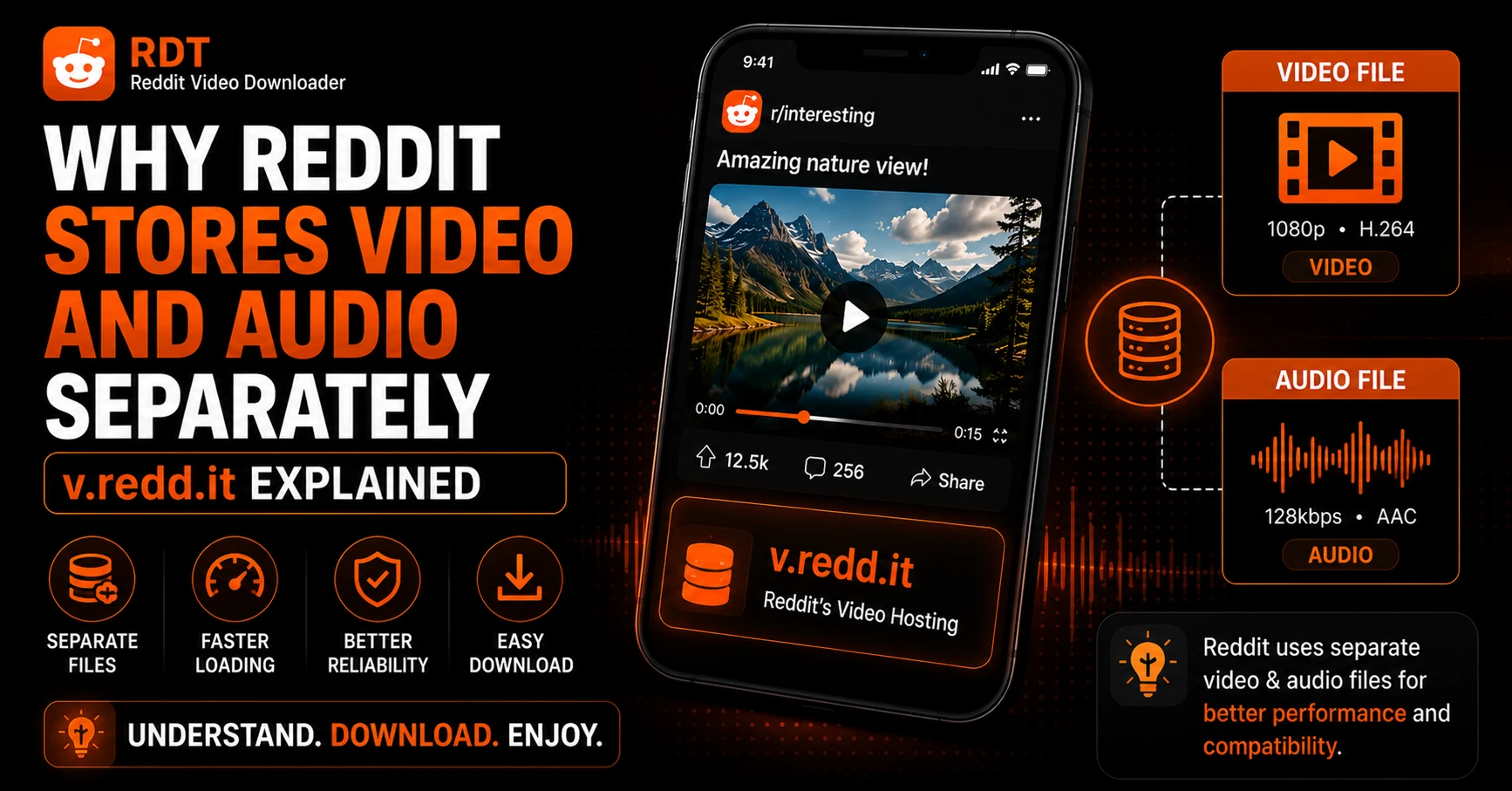
Why Reddit Stores Video and Audio Separately — v.redd.it Explained
If you have ever tried to download a Reddit video and ended up with a silent MP4 file, you already know something is off about how Reddit handles video. You did not do anything wrong. The video looked fine when you watched it on Reddit. But the moment you tried to save it, the audio…
How to Download Deleted Reddit Videos — Methods That Actually Work
You found a Reddit video. You did not save it at the time. Now the post is deleted or removed, and you are trying to get it back. Maybe it was something genuinely useful — a tutorial, a rare clip, a piece of content you wish you had saved when you had the chance. Maybe…