
How to Download Reddit GIFs as MP4 — Free Tool, No App Needed
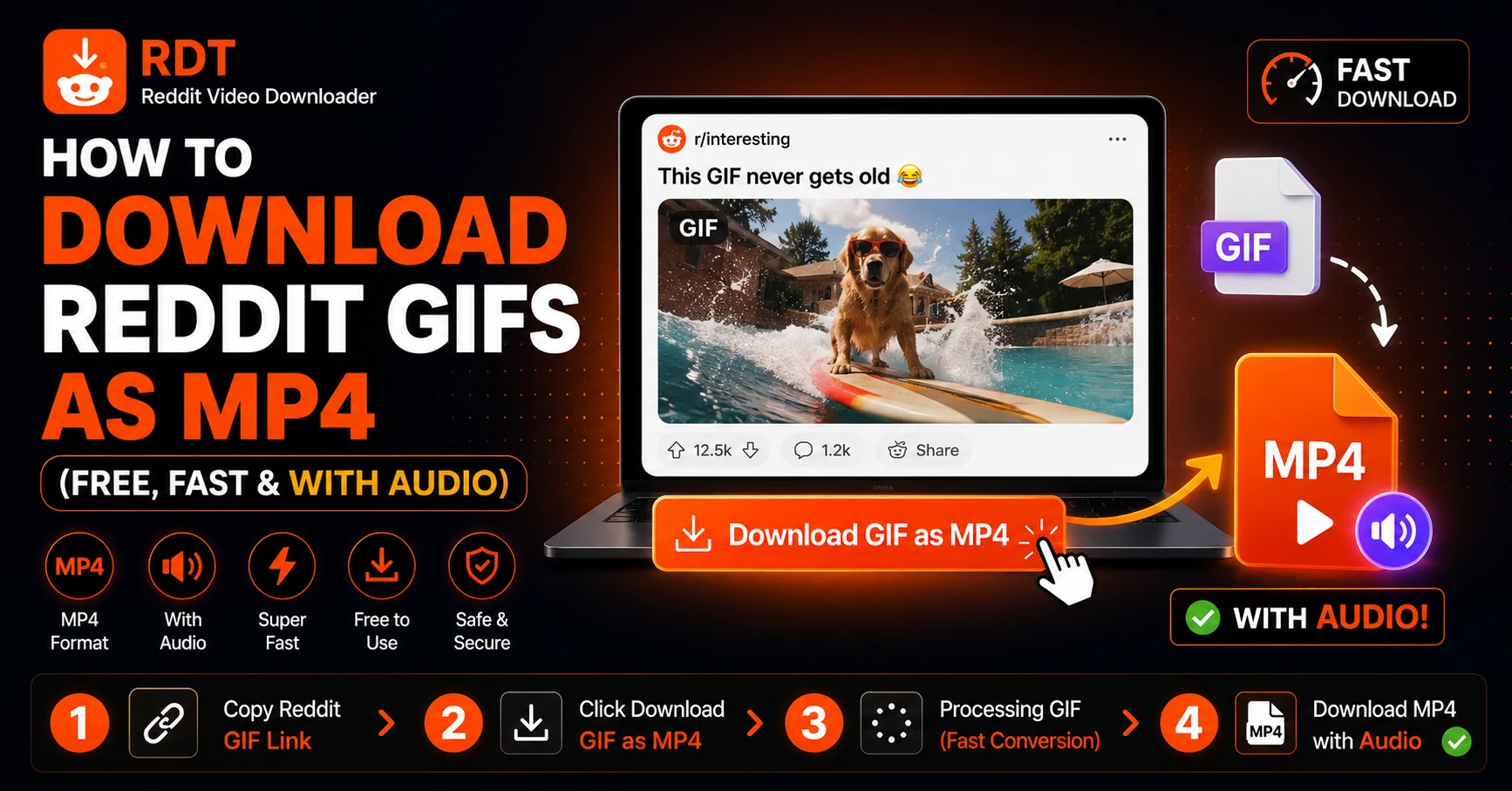
If you've spent any decent amount of time on Reddit, you know that GIFs are basically their own language. A perfectly timed reaction GIF, a satisfying slow-motion clip, a looping moment of pure chaos from r/Whatcouldgowrong — these things are gold.
But saving them? That's where it gets annoying.
When you try to download a GIF from Reddit, one of three things usually happens:
- Nothing downloads at all
- You get a broken file that won't open
- You get a massive, low-quality .gif file that takes up way too much storage
Here's the thing most people don't realize: Reddit GIFs aren't actually GIFs anymore. They haven't been for years. Reddit automatically converts all GIF uploads into MP4 video files behind the scenes — which is why they loop smoothly, load fast, and look sharp in the Reddit player.
So the smartest move isn't to save them as GIF files. It's to download them as what they actually are: MP4 videos.
In this guide, you'll learn exactly how to do that — on any device, in under 30 seconds, for free.
Wait — Are Reddit GIFs Actually GIFs?
This is worth understanding before we get into the steps, because it changes how you think about downloading them.
Back in the day, Reddit hosted actual .gif files. They were huge, slow to load, and ate through mobile data. In 2016, Reddit started automatically converting all GIF uploads to MP4 format through their video hosting system, v.redd.it.
What this means for you:
- When you watch a GIF on Reddit, you're actually watching an MP4 video on loop
- When you try to "save" the GIF directly from Reddit, the system gets confused because the file isn't a traditional GIF anymore
- This is why direct saves often fail or produce broken files
Some older GIFs on Reddit are still hosted on Imgur (as .gifv files), which is also a video-based format. Same principle applies.
The bottom line: to properly save a Reddit GIF, you need a tool that understands Reddit's video infrastructure and pulls the actual MP4 file — not one that tries to grab a .gif that doesn't really exist.
That tool is RDT Video Downloader.
Why Download Reddit GIFs as MP4 Instead of GIF?
Before we get into the steps, here's a quick comparison that'll make you never want to save actual GIF files again:
| GIF Format | MP4 Format | |
|---|---|---|
| File size (same clip) | ~15–40 MB | ~1–3 MB |
| Video quality | Lower, limited colors | Full quality, smooth |
| Audio support | ❌ Never | ✅ Yes |
| Compatible with | Most apps | All apps, all devices |
| Shareable on WhatsApp/Instagram | ⚠️ Sometimes | ✅ Always |
| Loops | ✅ Yes | ✅ Yes (in most players) |
There is no practical reason to save a Reddit GIF as an actual .gif file. MP4 is smaller, sharper, louder, and more compatible everywhere.
How to Download Reddit GIFs as MP4 — Step by Step
The whole process takes about 20 seconds. Here's exactly what to do:
Step 1: Find the Reddit GIF and Copy Its URL
Open Reddit (in any browser or in the app) and navigate to the GIF post you want to save.
On desktop: Copy the URL directly from your browser's address bar. It'll look like: https://www.reddit.com/r/subreddit/comments/xxxxxx/post-title/
On the Reddit app (iPhone or Android): Tap the Share button below the post → tap Copy Link
Make sure you're copying the link to the post, not to the GIF file itself. The post URL is what RDT needs to locate and process the file.
Step 2: Go to RDT Video Downloader
Open a browser and head to rdtvideodownloader.com.
This free tool works directly in your browser — no signup, no app download, no Chrome extension required (though one is available if you want even faster downloads — more on that below).
Step 3: Paste the URL and Click "Get Video"
Paste the Reddit post URL into the input field on the RDT homepage and hit Get Video.
RDT will:
- Identify the GIF/video source (whether it's hosted on v.redd.it or Imgur)
- Extract the clean MP4 file
- Prepare it for download in the best available quality
This typically happens in 1–2 seconds.
Step 4: Choose Your Format and Download
Once processed, you'll see download options. For Reddit GIFs, these are usually compact file sizes since GIFs are short clips — so even the highest quality option won't be very large.
Click or tap Download and the MP4 saves directly to your device:
- Windows/Mac: Saves to your Downloads folder
- Android: Saves to your Downloads folder (accessible in Files app or Gallery)
- iPhone: See the iPhone-specific section below — there's one extra tap involved
How to Save Reddit GIFs on iPhone as MP4
iPhone has slightly different behavior for downloads, so here are the exact steps:
- Copy the Reddit post URL (Share → Copy Link in the Reddit app)
- Open Safari (not Chrome — Safari works much better for file downloads on iOS)
- Go to rdtvideodownloader.com
- Paste the URL and tap Get Video
- When the download button appears, tap and hold it
- Tap "Download Linked File" from the menu
- The MP4 saves to your Files app → On My iPhone → Downloads
Want it in your Camera Roll? Open Files, find the MP4, long-press it, and tap Share → Save Video. Done.
How to Save Reddit GIFs on Android as MP4
Android is much more straightforward:
- Copy the Reddit post URL
- Open Chrome (or any browser) and visit rdtvideodownloader.com
- Paste the URL and tap Get Video
- Tap Download
- The MP4 saves to your Downloads folder
Open it in any video player or move it to your gallery. That's genuinely it.
How to Download Reddit GIFs from Imgur (.gifv)
A lot of older Reddit GIFs are actually hosted on Imgur rather than Reddit's own v.redd.it system. You'll notice these because the post links out to an Imgur page, and the URL of the actual GIF ends in .gifv.
The good news: RDT handles Imgur-hosted GIFs too. You don't need to do anything different. Just copy the Reddit post URL (not the Imgur URL) and paste it into RDT. The tool traces back to the source, whether that's v.redd.it or Imgur, and grabs the clean MP4.
If for some reason RDT asks for a direct URL and the GIF is on Imgur, you can also paste the Imgur .gifv URL directly. Just replace .gifv with .mp4 in the URL and paste that into RDT — Imgur's own server will serve you the MP4 version.
1-Click Reddit GIF Downloads with the RDT Chrome Extension
If you're on desktop and you find yourself downloading Reddit GIFs regularly, the RDT Chrome Extension will save you a lot of time.
Once installed, a Download button appears directly on every Reddit GIF and video post — right inside Reddit's interface. You don't need to copy URLs or open a new tab. Just scroll, see the GIF you want, click Download.
Can You Download Reddit GIFs with Audio?
This is a great question and one that trips people up.
Traditional GIF files never have audio — the format doesn't support it. But since Reddit GIFs are actually MP4 videos, some of them do have audio attached, especially if the original uploader added a soundtrack or if the clip came from a video with sound.
When you download through RDT Video Downloader, it merges both the audio and video streams from Reddit's servers before downloading. So if the original post has audio, your downloaded MP4 will have audio too.
If you play back your downloaded GIF-MP4 and there's no sound, it simply means the original uploader didn't include audio — which is common for pure GIF content.
What's the Best Format to Save Reddit GIFs In?
Short answer: MP4.
Longer answer: here's how the common options stack up when it comes to Reddit GIFs specifically.
MP4 — Best overall choice. Small file size, maximum compatibility, supports audio, plays on every device and platform. This is what RDT downloads.
GIF — Legacy format. Files are 10–20x larger than equivalent MP4s, no audio, limited color depth. Only useful if you specifically need a .gif for a platform that doesn't accept video (rare these days).
WEBM — Good quality, small size, but not supported natively on iPhones or in many apps. Not recommended unless you have a specific use case.
MP4 wins every time for general use. Save the GIF as MP4, and you'll never have a compatibility issue.
Common Issues When Downloading Reddit GIFs
Downloaded file won't open
Make sure it saved as .mp4 and not as a .gifv or incomplete file. Try opening it in VLC media player, which plays virtually any format.
File downloaded but it's silent
The original GIF probably didn't have audio. Play the Reddit post with sound on to confirm. If Reddit plays it silently too, there's no audio to save.
iPhone downloaded a .gifv file instead of MP4
This can happen if you used Chrome instead of Safari, or if you tapped rather than long-pressed the download button. Repeat the process in Safari and use "Download Linked File."
RDT can't find the video
The post may be from a private subreddit, or the URL might be incomplete. Try copying the URL again directly from the Reddit post page.
Downloaded GIF looks pixelated
You may have selected a lower resolution. Go back and repeat the download, choosing the highest quality option available.
Frequently Asked Questions
Summary
Saving Reddit GIFs as MP4 is the smartest, most practical way to preserve them — better quality, smaller file, and audio support when it exists. Here's all you need to remember:
- Copy the Reddit post URL (Share → Copy Link)
- Paste it into rdtvideodownloader.com
- Click Get Video and wait 1–2 seconds
- Download your MP4 — full quality, no watermark, free
Whether you're on iPhone, Android, Windows, or Mac — the process is the same, and it works every time.
For desktop users who download GIFs regularly, grab the RDT Chrome Extension for 1-click downloads without ever leaving Reddit.
Try Our Reddit Downloader
Download any Reddit video with sound in high definition. Fast, free, and no registration required.
Download NowRecommended Guides
Why Reddit Videos Have No Sound (And How to Fix It)
Let us be completely honest with you. There are few things more frustrating than finding a great Reddit video, tapping play, and sitting there watching people react to something you cannot hear. The video is playing. Their mouths are moving. People in the comments are quoting lines. And you are getting absolutely nothing. You check…
How to Download Reddit Videos on Android — Step by Step Free Guide
You're lying in bed, scrolling Reddit at midnight. You stumble across a video that's either the funniest thing you've ever seen, or something genuinely useful you want to come back to. You think, let me just save this real quick. Then Reddit happens. There's no download button. The share menu only copies a link. The…